In this article
To manage client blogs from an offshore content team well, fix four things before you write a word: schedule every post in the client's time zone, not yours; keep one written spelling and style rule per site; give writers access that never touches the client's own logins; and keep a handover checklist so a client can leave without losing anything. Most problems we see in offshore agencies come from one of these, not from the writing.
This guide is written from Lahore, where our own team publishes for US and UK sites, and it applies equally to teams in India or the Philippines.
Why offshore teams trip over the same four things
An offshore team usually writes well. The trouble is at the edges of the work:
- Clocks. A post scheduled for "9 am" goes out at 9 am in Lahore, which is 11 pm the night before in New York.
- Spelling. A writer who switches between a UK client and a US client in one afternoon ends up with "colour" on the American site and "color" on the British one.
- Access. The client shares their wp-admin password in an email, and three writers use it from two countries. Security plugins lock the account, and nobody knows who changed what.
- Handover. When a contract ends, the agency still has logins, scheduled posts keep firing, and the client finds out a month later.
Each one is easy to fix once it is written down.
Time zones and daylight saving
Pakistan doesn't change its clocks. The US, Canada and the UK do, on different dates, so the gap between you and your client moves twice a year.
| Client city | Gap from Pakistan, northern winter | Gap from Pakistan, northern summer |
|---|---|---|
| New York, Toronto | 10 hours behind | 9 hours behind |
| Chicago | 11 hours behind | 10 hours behind |
| Los Angeles, Vancouver | 13 hours behind | 12 hours behind |
| London | 5 hours behind | 4 hours behind |
Two awkward windows catch teams every year. In March, the US moves its clocks forward about two to three weeks before the UK. In late October and early November, the UK moves back first. For those few weeks, the gap to one client changes and the other doesn't.
Practical rules that work:
- Write every schedule time in the client's city, in the content calendar, with the zone next to it: "Tue 8:30 am ET".
- Check the time zone of each site. WordPress has its own time zone setting under Settings, General. A US client's site set to UTC will shift every post.
- Check the actual time a post went live on the client's site for the first few posts, then after every clock change.
- Keep your team's working hours, not the client's. Schedule ahead so nobody is awake at 7 pm New York time just to press Publish.
In Quillfleet, you set the time per site in the Publish panel with Schedule for later, so one post can go out in the morning in London and the morning in Chicago from the same editor. Check the time shown before you confirm, especially in the weeks after a clock change.
One spelling and style per site
Offshore writers are often careful about grammar, which makes spelling drift more frustrating when it happens. The fix is a short style note per site, kept where the writer sees it every time:
- Spelling: US (color, organize, center) or UK (colour, organise, centre). Canadian sites often mix, so ask the client and write the answer down.
- Dates and numbers: 11/20 or 20/11, dollars or pounds, inches or centimetres.
- Terms: "apartment" or "flat", "realtor" or "estate agent", "zip code" or "postcode".
- Tone: first person or not, contractions or not.
Put the note at the top of the client's brief and in your editor's spellcheck language for that client. If the client uses Claude to draft through Quillfleet, put the same rules in that site's instructions so every idea and draft starts in the right spelling. Our post on choosing ideas, drafts or auto-publish per client covers how those per-site instructions work.
Access without client passwords
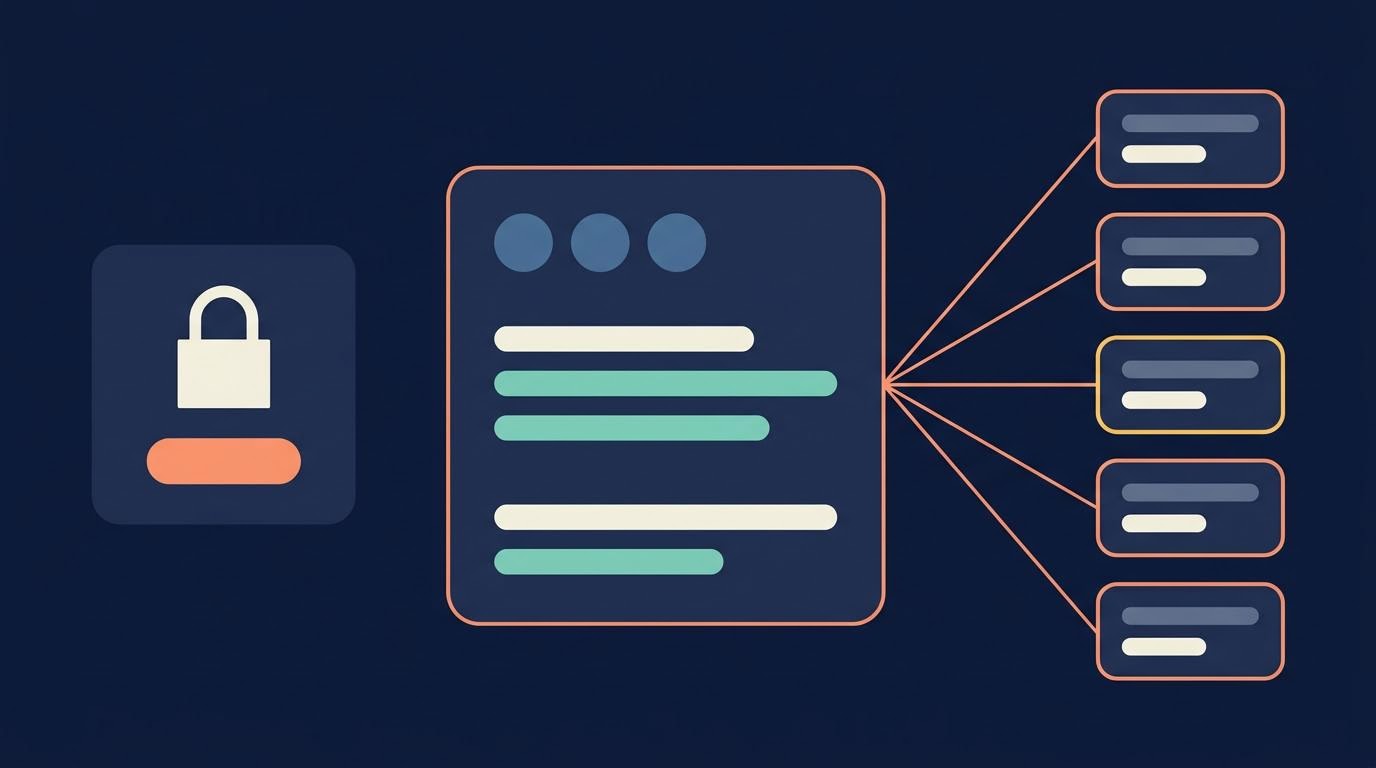
Never use the client's own wp-admin login. WordPress has had Application Passwords built in since version 5.6. The client, or you with an account they create for you, generates one for a single integration, and it can be revoked on its own without touching anyone's main password.
A clean setup for an offshore team:
- The client creates one user for your agency with the lowest role that can publish, usually Editor or Author.
- That user generates an application password for your publishing tool only.
- Your writers log in to your own tool, not to the client's site.
- When a writer leaves your team, you remove them from your tool. The client's site doesn't change.
This also helps with security plugins and hosting firewalls that block logins from unfamiliar countries, because writers no longer log in to the client's dashboard at all. Our guide to giving writers WordPress access without wp-admin logins compares three ways to set it up.
In Quillfleet, workspaces have owner, admin and editor roles, so an editor can write and schedule while only admins connect or remove sites.
A weekly rhythm to manage client blogs from an offshore content team
A rhythm that fits Pakistan hours and US or UK clients:
| Day (Pakistan time) | Work |
|---|---|
| Monday | Plan the week per client: topics, keywords, schedule times in client zones |
| Tuesday to Wednesday | Write and edit drafts, check style notes |
| Thursday afternoon | Send drafts for client review, timed for the start of their day |
| Friday | Apply feedback, schedule posts for the following week |
The Thursday send matters. Your afternoon is the UK morning and the US early morning, so the client sees drafts when they start work and can reply the same day.
Keep an eye on failures too. A post that didn't publish at 3 am your time is worse than one that failed while you were awake. Quillfleet retries failed pushes automatically and logs each attempt; anything that still fails shows under Needs attention, so check it first thing each morning.
Handover when a client leaves
Clients leave, and how you hand over is what they remember. Use the same steps every time:
- Stop new work. Cancel or reassign any scheduled posts for that site, so nothing publishes after the contract ends.
- Export what you hold. Briefs, style notes, keyword lists and any drafts not yet published, in a shared folder the client owns.
- Remove the site from your tool. Disconnect it from your workspace.
- Ask the client to revoke your application password and agency user. Confirm in writing that it's done.
- Send a short summary. What was published, what was scheduled and cancelled, and where the files are.
If you are taking over a site from another agency, run the same list in reverse, and import the site's existing posts so your team can see what has already been covered before planning new topics.
Where Quillfleet fits, and where it doesn't
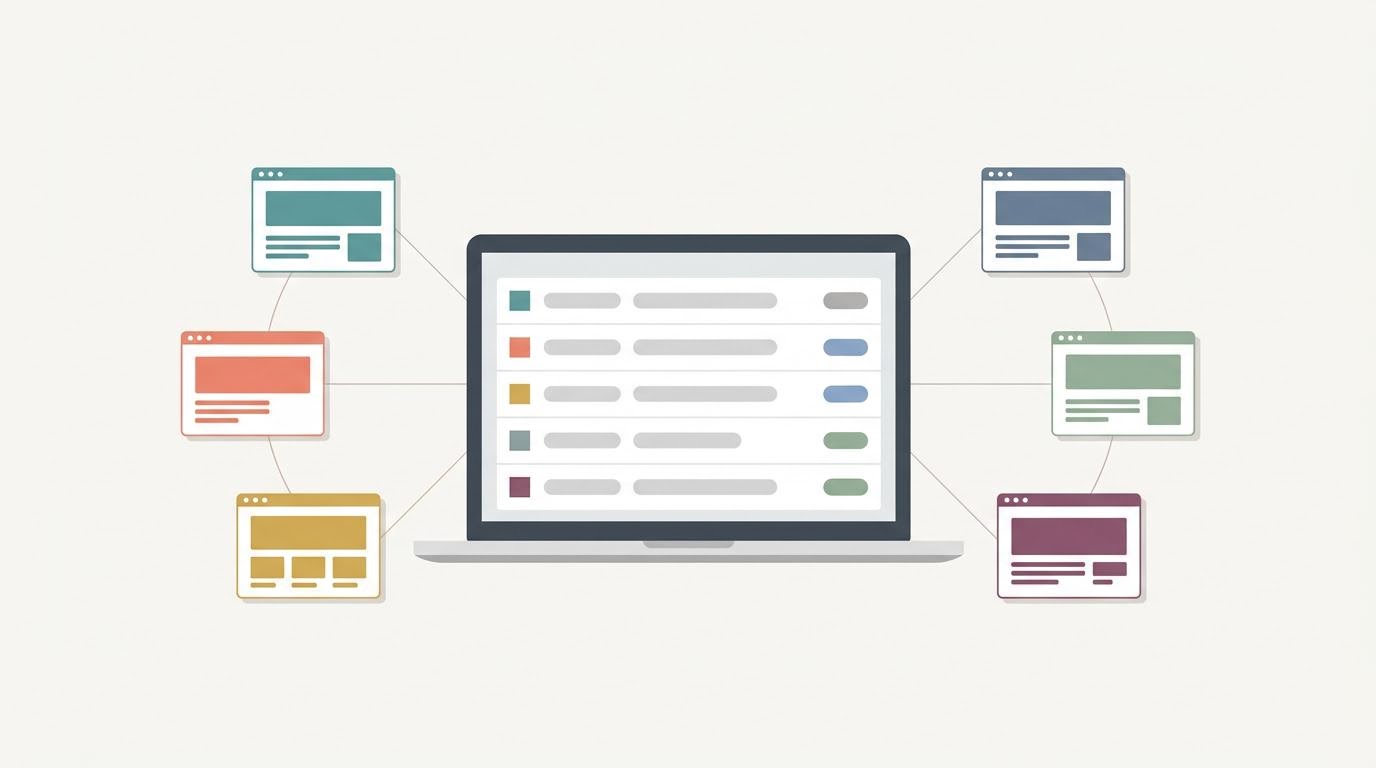
If your team publishes to WordPress, Ghost or Next.js sites for several clients, one editor with per-site scheduling saves the daily round of logins. It won't write different body text per site, and it doesn't run its own AI; drafting comes from your client's or your own Claude, if you connect one. If your clients are on Wix, Squarespace or Shopify, it isn't the right tool for those sites. See the features page for what each connector covers.
Frequently asked questions
What time should an offshore team schedule US blog posts?
Schedule for the client's morning in their own time zone, usually between 7 am and 10 am local time. Write the time and zone in the calendar so nobody converts it in their head. Check again after each clock change in March and November.
Should offshore writers use the client's WordPress login?
No. Ask the client for a separate user with the lowest role that can publish, and connect it with an application password. Your writers then work in your own tool, and access can be removed without affecting the client.
How do we stop US and UK spelling getting mixed?
Keep a one-page style note per site and set the editor's spellcheck to that client's language. Review the first few posts for each new client against the note. Mistakes usually happen when a writer switches clients in the same day.
What should we hand back when a client leaves?
Give back the briefs, style notes, keyword lists and any unpublished drafts in a folder the client owns. Cancel scheduled posts and ask the client to revoke your access. Send a short written summary so both sides agree on what was done.
To see how per-site scheduling looks in practice, try the demo site or start on the Free plan at signup.
- manage client blogs from an offshore content team
- offshore content team
- agencies
- time zones
- WordPress
- client handover